
Inspiron 11-3157 Quick Start Guide
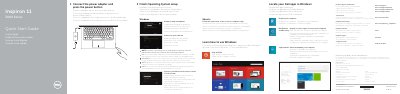
This Dell Quick Start Guide helps users set up the Inspiron 11-3157 laptop, connect the power adapter, and complete the operating system setup.
It also describes how to locate Dell apps, register the computer, use Dell Backup and Recovery, enable security and updates, connect to a network, and sign in to a Microsoft account.
| Regulatory model | P20T |
|---|---|
| Regulatory type | P20T003 |
| Computer model | Inspiron 11-3157 |
| Input voltage | 100 V CA–240 V CA |
| Input frequency | 50 Hz–60 Hz |
| Output voltage | 19,50 V CC |
| Country of origin | Hecho en China |
The computer model is Inspiron 11-3157.
Connect the power adapter and press the power button.
Visit dell.com/support and dell.com/support/manuals.