
OptiPlex 7050 Micro Desktop Quick Start Guide
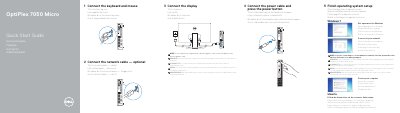
This quick start guide helps set up the Dell OptiPlex 7050 Micro computer. It covers connecting the keyboard and mouse, an optional network cable, the display, and power, then finishing operating system setup for Windows 7 or Ubuntu.
It also identifies the computer's ports and features, lists product support and manual resources, provides regulatory and safety information, and gives Dell contact details.
| Regulatory model | D10U |
|---|---|
| Regulatory type | D10U002 |
| Computer model | OptiPlex 7050 Micro |
Dell lists product support and manuals at Dell.com/support and Dell.com/support/manuals.
Connect the display to the discrete graphics card.
Protect your computer.
Follow the instructions on the screen to finish setup.