
Quick Start Guide for Dell XPS 13 laptop.
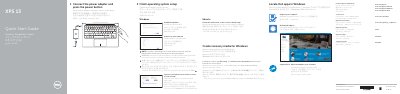
This Quick Start Guide for the Dell XPS 13 computer explains how to connect the power adapter, press the power button, and finish operating system setup. It also covers enabling Dell updates, connecting to a network, and signing in to a Microsoft account or creating a local account.
The guide shows where to locate Dell apps in Windows, how to create recovery media, and where to find product support, manuals, and regulatory information. It identifies the computer model as XPS 9350, with regulatory model P54G and regulatory type P54G002, and was printed in China.
| Computer model | XPS 9350 |
|---|---|
| Regulatory model | P54G |
| Regulatory type | P54G002 |
Connect the power adapter and press the power button.
In Windows search, type Recovery, click Create a recovery media, and follow the instructions on the screen.
Visit Dell.com/support and Dell.com/support/manuals for product support and manuals.