
OptiPlex 3050 Micro Quick Start Guide
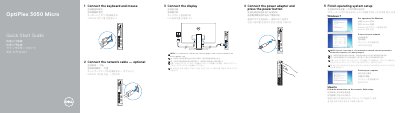
Dell OptiPlex 3050 Micro quick start guide shows how to connect the keyboard and mouse, an optional network cable, the display, and the power adapter, then press the power button. It also covers finishing operating system setup for Windows 7 and Ubuntu, including setting a Windows password and connecting to a network.
The guide lists the computer's ports and features, including USB 3.0 and USB 2.0 ports, DisplayPort, HDMI, network and audio ports, and optional VGA, serial, PS/2 or DisplayPort connections. It gives Dell support, contact and regulatory links and lists the regulatory model D10U and regulatory type D10U002.
| Rated voltage | 100 - 240 V |
|---|---|
| Rated frequency | 50 - 60 Hz |
| Rated input current | 4 A |
Connect the display to the discrete graphics card.
Press the power button.
Use Dell.com/support and Dell.com/support/manuals.
Follow the instructions on the screen to finish setup.