
Dell Latitude 5580 Notebook Quick Start Guide

The Dell Latitude 5580 Quick Start Guide introduces the features and characteristics of the product.
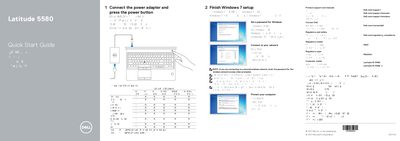

Dell Latitude 5580 Notebook Quick Start Guide - cover page
Brand
DELL
Category
Laptops
Document type
Quick Start Guide
Language
English
Pages
2
File format
PDF
File size
159 KB
Published
25 November, 2023
Updated
25 November, 2023
MD5 checksum
6F00DC738CAD5CD623FF4F6B8FEA6182

About this manual

The Dell Latitude 5580 Quick Start Guide explains initial setup, including connecting the power adapter, pressing the power button, completing Windows 7 setup, setting a password, and connecting to a network.

The guide also lists product features such as ports, cameras, card readers, and the service tag label, and provides Dell support contacts and regulatory details including computer model Latitude 15-5580.

What's inside

  • Connect the power adapter and press the power button
  • Finish Windows 7 setup
  • Set a password for Windows
  • Connect to your network
  • Protect your computer
  • Product support and manuals
  • Regulatory and safety
  • Features

Specifications

Computer modelLatitude 15-5580

Frequently asked questions

How do I set up the Dell Latitude 5580 for the first time?

Connect the power adapter and press the power button, then finish Windows 7 setup.

Where can I find Dell product support and manuals?

Visit Dell.com/support and Dell.com/support/manuals.

What is the computer model listed for this Dell notebook?

The computer model is Latitude 15-5580.

Download PDF (159 KB)

More DELL Manuals


View all DELL manuals →