
The Dell Latitude 5490 Quick Start Guide introduces the features and specifications of the product.
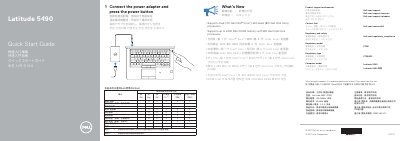
This quick start guide is for the Dell Latitude 5490 computer. It shows how to connect the power adapter and turn on the computer, and it lists support, contact, and regulatory links.
The guide also identifies the computer's ports, slots, lights, and optional components, and lists what is new for processor and memory support.
| Processor support | Dual 7th Gen Intel Core and Quad 8th Gen Intel Core processors |
|---|---|
| Memory support | Up to 2400 MHz DDR4 memory with 8th Gen Intel Core processors |
| Computer model | Latitude 5490 |
| Regulatory type | P72G002 |
| Rated voltage | 100-240 Vac |
| Rated frequency | 50/60 Hz |
| Rated input current | 2.5 A |
Connect the power adapter, then press the power button.
Dell lists product support at Dell.com/support and manuals at Dell.com/support/manuals.
The guide lists support for Dual 7th Gen Intel Core and Quad 8th Gen Intel Core processors.
Up to 2400 MHz DDR4 memory is supported with 8th Gen Intel Core processors.