
The Dell Precision Mobile Workstation 7000 Series Quick Start Guide provides information on how to set up and use your Dell Precision Mobile Workstation 7000 Series laptop.
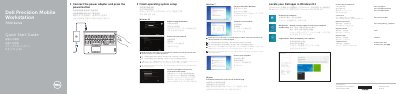
This Dell Precision 7000 Series (7510) Mobile Workstation Quick Start Guide explains initial setup steps: connecting the power adapter, pressing the power button, finishing operating system setup, enabling security and updates, connecting to a network, and signing in to a Microsoft account or creating a local account. It also lists Dell app locations for Windows 8.1 and support contact information.
The guide includes a numbered features list for the mobile workstation, covering connectors, indicators, optional components, and the service-tag label. It points to the Owner’s Manual at dell.com/support/manuals for more information.
| Regulatory type | P53F001 |
|---|---|
| Camera | Optional |
| Fingerprint reader | Optional |
| USB-C connector | Optional |
Connect the power adapter and press the power button.
Enter the password for the wireless network access when prompted.
It is available at dell.com/support/manuals.
Windows 8.1.