
This document provides a quick start guide to HP notebook computers, including the features and characteristics of the computer.
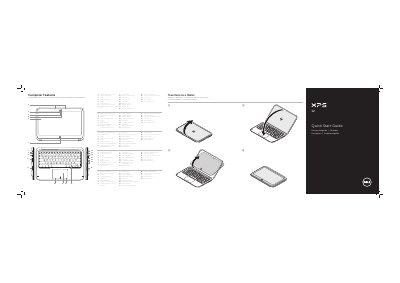
This quick start guide for the Dell XPS 9Q23 notebook computer lists computer features including digital array microphones, camera, display, speakers, touchpad, USB ports, and the power-adapter port. It also explains how to transform the computer into a tablet.
Function keys are described for switching to an external display, managing wireless, brightness, keyboard backlight, media playback, volume, mute, and connecting the power adapter. The guide includes steps to turn on the computer and get started with Windows 8.
| Regulatory model | P20S |
|---|---|
| Computer model | XPS 9Q23 |
| Input voltage | 100 V CA–240 V CA |
| Output voltage | 19.50 V CC |
| Output current | 2.31 A |
The computer model is XPS 9Q23.
The regulatory model is P20S.
The importer is Dell México S.A. de C.V.
It turns the wireless function on or off.