
OptiPlex 5055 Tower Quick Start Guide
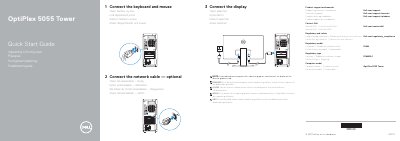
The Dell OptiPlex 5055 Tower Quick Start Guide is a multilingual setup sheet. It gives four connection steps: keyboard and mouse, optional network cable, display, and power cable with power button.
It also lists the computer's ports and features, including USB, DisplayPort, VGA, PS/2, network, audio, expansion slots, and security slots. Support and regulatory information point to Dell.com pages.
| Computer model | OptiPlex 5055 Tower |
|---|---|
| Regulatory model | D18M |
| Regulatory type | D18M004 |
| Internal bay | 5.25-inch internal bay |
| USB port type | USB 3.1 Gen 1 |
Connect the keyboard and mouse first.
Connect the display to the discrete graphics card.
Dell lists Dell.com/support and Dell.com/support/manuals for product support and manuals.
The computer model is OptiPlex 5055 Tower.