
This guide describes how to finish Windows setup.
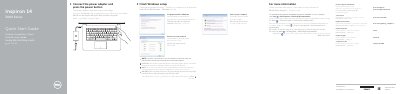
This Dell Quick Start Guide helps users set up the Inspiron 14-3458 laptop. It covers finishing Windows setup, setting a Windows password, connecting to a network, and protecting the computer.
The guide also shows the locations of ports and features such as the camera, HDMI port, USB ports, media-card reader, and battery, and lists shortcut keys for audio, display, and wireless functions.
Connect the power adapter and press the power button.
Visit dell.com/support or dell.com/support/manuals.
Enter the password for the wireless network access when prompted.
The computer model is Inspiron 14-3458.