
Dell OptiPlex 3046 Mini Tower Quick Start Guide
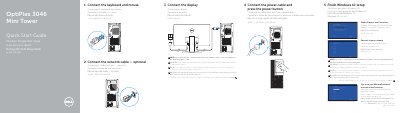
The Dell OptiPlex 3046 Mini Tower Quick Start Guide provides step-by-step instructions for setting up the computer, including connecting peripherals, network cables, and power, as well as completing the Windows 10 setup process.
The document also includes a detailed map of the system's hardware features, identifying various ports, connectors, and diagnostic lights located on the chassis.
| Operating System | Windows 10 |
|---|
If the computer was ordered with a discrete graphics card, the display should be connected directly to that card.
Enter the password for the wireless network access when prompted.