
Dell Latitude 3390 2-in-1 Quick Start Guide
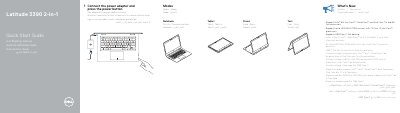
The Dell Latitude 3390 2-in-1 Quick Start Guide helps users set up the convertible notebook. It explains how to connect the power adapter and press the power button, and describes the available modes: Notebook, Tablet, Tent, and Stand.
The guide lists system features such as infrared and standard cameras, USB ports, HDMI, and a media card reader. It also provides Dell support websites, contact information, and regulatory details including model P69G.
| Processor support | Intel 8th Gen Core i Quad Core and Dual Core 7th and 6th Gen |
|---|---|
| Memory support | up to 2400 MHz DDR4 |
| Docking support | USB Type-C Dell docking |
| Infrared camera | Infrared (IR) camera |
Connect the power adapter and press the power button.
The computer model is Latitude 3390 2-in-1.
Visit Dell.com/support and Dell.com/support/manuals.