
A quick start guide for Dell laptops.
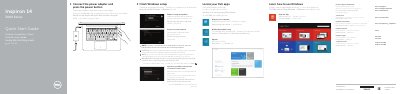
This Dell Quick Start Guide supports the Inspiron 14-3451 and Inspiron 14-3458 laptops and explains how to finish Windows setup, connect the power adapter, and turn on the computer.
It also describes locating Dell apps, enabling security and updates, connecting to a network, signing in to a Microsoft account, and registering the computer, with feature and shortcut-key diagrams for both models.
| Computer model | Inspiron 14-3451, Inspiron 14-3458 |
|---|
It covers the Inspiron 14-3451 and Inspiron 14-3458.
Enter the password for the wireless network access when prompted.
It is in the battery bay.