
Dell computer user manual summary: This document provides detailed information about the Dell computer, including its features, specifications, and safety information.
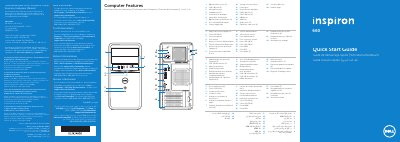
This document serves as a regulatory compliance and quick start guide for the Dell Inspiron 660 computer, specifically model D11M. It provides essential information regarding NOM (Norma Oficial Mexicana) requirements, including importer details, voltage specifications, and frequency ratings. The guide lists key computer features and port locations, such as USB 2.0 and 3.0 ports, HDMI, VGA, and expansion slots.
| Regulatory Model Number | D11M |
|---|---|
| Input Voltage | 115/230 V AC |
| Input Frequency | 50 to 60 Hz |
| Input Current | 7.0 A/4.0 A or 6.0 A/2.1 A |
| USB 2.0 Ports | 2 |
| USB 3.0 Ports | 4 |
| Optical Drive Covers | 2 |
You can find this information by clicking Start→ All Programs→ Dell Help Documentation or visiting support.dell.com/manuals.
Customers in the United States can call 800-WWW-DELL (800-999-3355).
You should not use the @ symbol in your password.