
This document provides instructions on how to set up and use a Dell laptop.
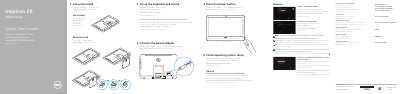
This multilingual quick start guide walks users through the initial setup of the Dell Inspiron 20-3059 all-in-one desktop. It illustrates how to connect the keyboard and mouse, attach the power adapter, press the power button, and assemble the included stand in either easel or pedestal orientation.
The guide then details finishing the operating system setup for both Ubuntu and Windows, including enabling security updates, connecting to a network, and signing in to a Microsoft account. A features section diagrams the system's ports, buttons, and components, and the final page points users to Dell support apps such as SupportAssist, Dell Backup and Recovery, and Dell Help & Support.
| USB 3.0 ports | 2 |
|---|---|
| USB 2.0 ports | 2 |
| HDMI-in port | 1 |
| Audio-out port | 1 |
| Network port | 1 |
| Media-card reader | 1 |
| Headset port | 1 |
| Power-adapter port | 1 |
| Camera | Integrated |
| Optical drive | Optional |
| Screen-off button | Yes |
| Brightness-control buttons | 2 |
| Power button | Yes |
Refer to the documentation that shipped with the keyboard and mouse for setup instructions.
The regulatory model is W15B.
The regulatory type is W15B003.
The computer model is Inspiron 20-3059.