
Dell PowerEdge FX2s supports a number of storage sled to compute sled mapping configurations. This document lists a few examples.
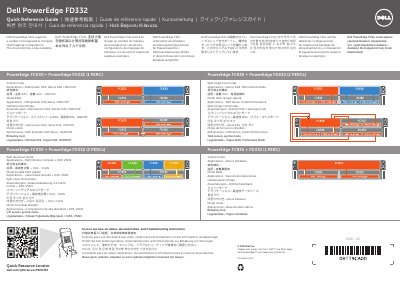
This document outlines various storage sled to compute sled mapping configurations supported by Dell PowerEdge FX2s. It includes examples for joined mode, split dual host mode, and split single host mode, with applications such as mainstream DAS, dense DAS, and Hadoop. The guide also explains how to configure storage mode via the CMC interface, including steps to select the storage node, setup, storage mode, and apply changes.
The document includes multilingual text and diagrams illustrating controller enumeration for split single host mapping, noting differences between PERC BIOS Configuration and iDRAC/HII interfaces.
In the CMC interface, click Server Overview, select the storage node, click Setup, select the Storage Mode, and click Apply.
High Density Compute + DAS, VSAN.
Dense DAS, Peformance Mode.
In the CMC interface, click Server Overview.