
The Dell™ Inspiron™ One 2205 Service Manual provides information on how to use and maintain your Dell™ Inspiron™ One 2205 computer.
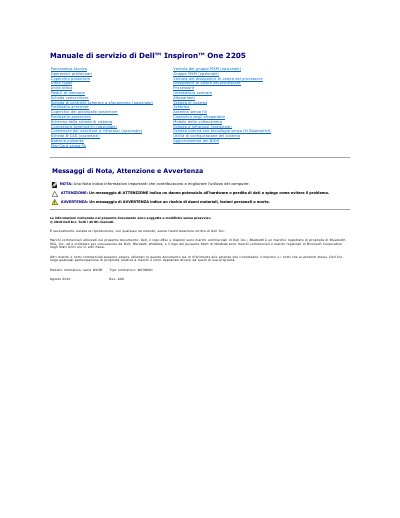
This service manual for the Dell Inspiron One 2205 provides removal and replacement procedures for the computer's components. It opens with a technical overview and a section on preparing to work on the computer, including recommended tools, shutdown steps, and safety instructions.
Later sections cover the back cover, hard drive, optical drive, memory modules, system board, display, and other components, with optional items such as the B-CAS card, wireless Mini-Card, MXM assembly, and infrared board. A system setup utility and BIOS update section are also listed. This manual is written in Italian.
A small Phillips screwdriver is listed among the recommended tools.
Place the computer face down on a flat surface, remove the two screws, and lift the back cover.
Read the safety information supplied with the computer and disconnect all power sources before opening the case.
The BIOS update executable is available at support.dell.com.