
The Dell Latitude 15 3000 Series Quick Start Guide provides instructions on how to connect the power adapter and press the power button, finish Windows 10 setup, enable support and protection, connect to your network, and sign in to your Microsoft account.
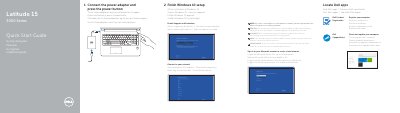
The Dell Latitude 15 3000 Series Quick Start Guide provides basic instructions for setting up the laptop, including connecting power, completing Windows 10 setup, and registering the product.
It includes a detailed map of the device's hardware features, such as the camera, various USB connectors, and battery status indicators.
| Computer model | Latitude 15-3570 |
|---|
Connect the power adapter and press the power button.
Enter the password for the wireless network access when prompted.