
Dell Inspiron 15-3558 Laptop Quick Start Guide
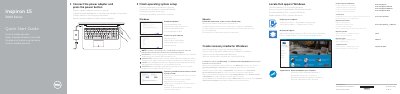
This guide provides initial setup steps for the Dell Inspiron 15-3558 laptop, including connecting the power adapter, completing operating system setup, enabling Dell updates, connecting to a network, and signing in to a Microsoft account. It also covers locating Dell apps, creating recovery media, and references for Ubuntu users.
The document includes a detailed features diagram labeling 20 components such as microphone, camera, ports, lights, touchpad areas, optical drive, battery, and service tag. A shortcut keys section explains function-key combinations for audio, brightness, display switching, search, wireless, sleep, and Fn-key lock.
Connect the power adapter and press the power button.
Visit Dell.com/support or Dell.com/support/manuals for product support and manuals.
In Windows search, type Recovery, click Create a recovery media, and follow the on-screen instructions.