
Dell Latitude 5290 2-in-1 Quick Start Guide
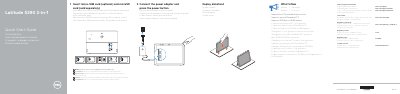
This document serves as a quick start guide for the Dell Latitude 5290 2-in-1 laptop. It provides instructions for the initial deployment, specifically detailing how to use the kickstand and insert the power adapter, micro-SIM card, and microSD card. It also directs users to Dell's support website for further manuals and regulatory information.
| Processor Support | Intel 7th and 8th Gen processors |
|---|---|
| Thunderbolt Support | Optional Thunderbolt 3 |
| Memory Speed | 2133 MHz on 16 GB |
Insert the micro-SIM card and microSD card ensuring they are correctly aligned and inserted all the way.
You can find product support and manuals at Dell.com/support/manuals.