
This document provides regulatory compliance information for Dell computers.
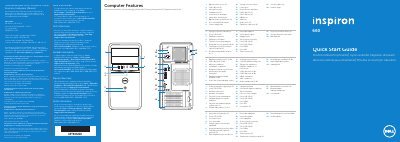
This document provides regulatory compliance information for Mexico (NOM) and a multilingual quick start guide for the Dell Inspiron 660 desktop computer. It lists the regulatory model D11M, type D11M002, and electrical ratings: 115/230 V AC, 50-60 Hz, 7.0 A/4.0 A or 6.0 A/2.1 A.
The quick start section illustrates front and rear panel features, then walks through connecting keyboard, mouse, network cable, power cable, and display, completing Windows setup, locating the Service Tag, and recording the Windows password. Instructions appear in English, Spanish, Czech, Hungarian, Polish, and Slovak.
| Regulatory model | D11M |
|---|---|
| Type | D11M002 |
| Computer model | Dell Inspiron 660 |
| Input voltage | 115/230 V AC |
| Input frequency | 50-60 Hz |
| Rated input current | 7.0 A/4.0 A or 6.0 A/2.1 A |
| Front USB 2.0 ports | 2 |
| Rear USB 2.0 ports | 2 |
| Rear USB 3.0 ports | 4 |
| HDMI port | 1 |
| VGA port | 1 |
| Audio ports | 3 |
| Expansion card slots | 4 |
| Media card reader | 8-in-1 |
The regulatory model is D11M.
The computer supports 115/230 V AC at 50-60 Hz.
It has four USB 3.0 ports on the rear panel.
The Service Tag is located on the computer chassis; the guide includes a space to record it.