
This document is a quick start guide for Dell computers, which introduces how to set up and use a Dell computer.
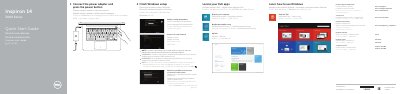
This quick start guide helps users set up their Dell Inspiron 14-3451 or 14-3458 laptop. It walks through completing Windows setup, locating Dell applications, connecting the power adapter, registering the computer, and accessing Dell Backup and Recovery. The guide also provides links to product support, manuals, and regulatory compliance information.
The document includes a detailed features diagram labeling 19 components such as microphone, camera, ports (HDMI, USB 3.0, USB 2.0, network on 3458 only), media-card reader, headset port, security-cable slot, power button, battery, and service tag. A shortcut keys section explains Fn-key combinations for audio, brightness, display switching, search, wireless, sleep, and battery-status light toggling.
| Network port | Available only on Inspiron 3458 |
|---|
Connect the power adapter and press the power button to turn on the computer.
Visit dell.com/support or dell.com/support/manuals for product support and manuals.
Only the Inspiron 3458 includes a network port; the 3451 does not.