
Dell Latitude 14 7000 Series Notebook Quick Start Guide
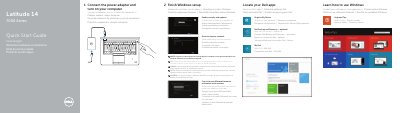
This guide covers the initial setup of the Dell Latitude 14 7000 Series notebook. It describes connecting the power adapter, turning on the computer, completing Windows setup, locating Dell apps, registering the device, and connecting to a network.
A feature diagram identifies the notebook's status lights, ports, and controls, including USB 3.0, HDMI, Mini-DisplayPort, network, headset, and optional smart-card, fingerprint, and dock connectors.
| Regulatory model | P40G |
|---|---|
| Regulatory type | P40G002 |
| Computer model | Latitude 7450/E7450 |
| USB connector version | USB 3.0 |
| Display connectors | Mini-DisplayPort and HDMI |
| Optional readers | Contactless smart-card/NFC reader, fingerprint reader, smart card reader |
Connect the power adapter and turn on the computer, then finish Windows setup.
Enter the password for wireless network access when prompted.
You can sign in to a Microsoft account or create a local account.
Support and manuals are available at dell.com/support and dell.com/support/manuals.