
Dell Latitude 14 3000 Series Notebook Quick Start Guide
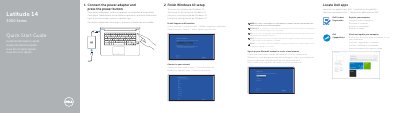
This two-page quick start guide for the Dell Latitude 14 3000 Series notebook shows how to connect the power adapter, press the power button, finish Windows 10 setup, enable Support and Protection, connect to a network, and sign in with a Microsoft account or create a local account. It also points to Dell Product Registration and Dell SupportAssist.
The guide lists laptop features such as the camera, microphone, power button, security-cable slot, VGA connector, USB 2.0 connector, memory card reader, optional fingerprint reader, USB 3.0 connectors, HDMI connector, network connector, power connector, battery, and service-tag label. It includes product support and regulatory contact information, with the computer model listed as Latitude 14-3460.
| USB 3.0 connector count | 2 |
|---|---|
| Fingerprint reader | Optional |
| Power button LED indicator | No LED indicator |
| Regulatory model | P63G |
| Regulatory type | P63G001 |
| Computer model | Latitude 14-3460 |
Connect the power adapter and press the power button.
Finish Windows 10 setup.
Dell lists product support and manuals at Dell.com/support/manuals.
The computer model is Latitude 14-3460.