
The Dell Latitude 3480 is a mobile thin client with the following features: 1.Camera 2.Camera status light 3.Microphone 4.Speaker 5.Power button 6.Volume up button 7.Volume down button 8.Headphone jack 9.USB 3.0 port 10.USB 2.0 port 11.HDMI port 12.VGA port 13.RJ-45 port 14.Power connector
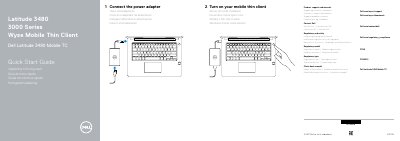
This Dell Latitude 3480 Mobile Thin Client Quick Start Guide covers initial setup for the mobile thin client, including connecting the power adapter and turning on the device.
It also lists the system features, such as ports, camera, microphone, and security-cable slot, and provides Dell product support, downloads, and regulatory information.
| Regulatory model | P79G |
|---|---|
| Regulatory type | P79G001 |
| Client device model | Dell Latitude 3480 Mobile TC |
Connect the power adapter and turn on your mobile thin client.
The regulatory model is P79G.
Visit Dell.com/wyse/support or Dell.com/wyse/downloads.