
Logitech MK270 Wireless Combo Setup Guide, introduces the features and functions of the mouse and keyboard.
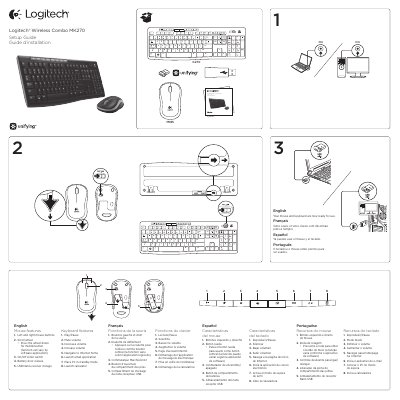
This document is the Setup Guide for the Logitech MK270 Wireless Combo, which includes a mouse and a keyboard. It details the specific features of both devices, such as the mouse's scroll wheel and the keyboard's multimedia keys. The guide also explains how to install batteries and configure the devices for use.
| Mouse battery type | one AA alkaline battery |
|---|---|
| Keyboard battery type | two AAA alkaline batteries |
Yes, you can use only one USB port for up to six devices by using the Logitech Unifying software.
The mouse uses one AA alkaline battery.
The keyboard uses two AAA alkaline batteries.
It works as the middle button, though the function can vary by software application.