
Russian user manual for the Logitech Harmony 600 remote control, covering setup, device configuration, and operation instructions.
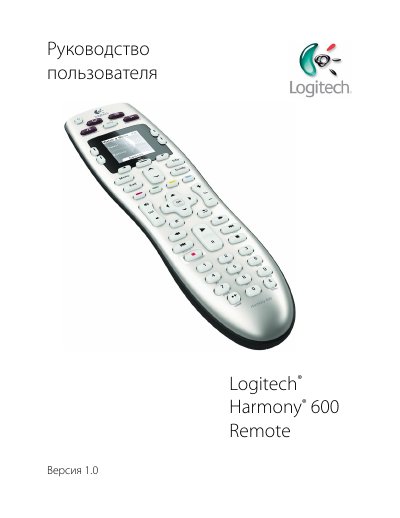
This document is the Russian version of the user manual for the Logitech Harmony 600 Remote. It serves as a guide to setting up and using the infrared remote control with home entertainment systems.
The manual explains how the Harmony 600 uses process-based automation and Smart State Technology to manage multiple devices like TVs, DVD players, and cable boxes. It details button functions, screen navigation, and provides step-by-step instructions for initial setup via computer software. This manual is written in Russian.
The Harmony 600 can be configured to remotely control at least 5 devices.
The Harmony 600 is an infrared remote control that uses process-based automation.