
An overview of Logitech's video collaboration solutions, including video bars, conference cameras, whiteboard cameras, touch controllers, and software services.
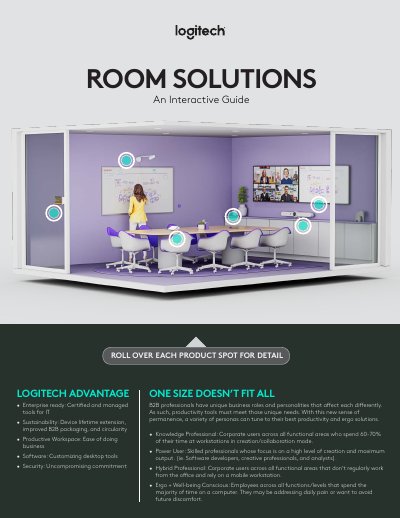
Logitech’s video collaboration portfolio offers a range of hardware and software designed for meeting rooms of all sizes. Products such as the Rally Bar, MeetUp conference camera, Scribe whiteboard camera, Tap touch controller, and Swytch laptop link provide one‑touch join, AI‑driven video, and flexible connectivity for a seamless meeting experience.
The solution set is complemented by Logitech software services like RightSense, RightLight, and RightSound, which enhance audio, video, and lighting quality. Together, these tools enable organizations to create productive, inclusive, and sustainable collaboration spaces.
| MeetUp lens | ultra‑wide with motorized pan/tilt and up to 5X zoom |
|---|---|
| Rally Bar Mini | all‑in‑one video bar for small rooms |
| Rally Bar MSRP | $3,999 |
| Logitech Tap IP connectivity | Power over Ethernet (PoE) single cable |
Logitech Tap is a meeting‑room touch controller that provides one‑touch join, easy content‑sharing, and simple setup.
Logitech RightLight optimizes light balance and color to render natural‑looking skin tones even in dim or backlit conditions.
Scribe is an AI‑powered whiteboard camera that broadcasts dry‑erase board content with high clarity and includes a wireless share button for easy deployment.