
The Logitech Scribe White Board Camera User’s Guide explains how to set up and use the camera with Zoom for enhanced whiteboard sharing.
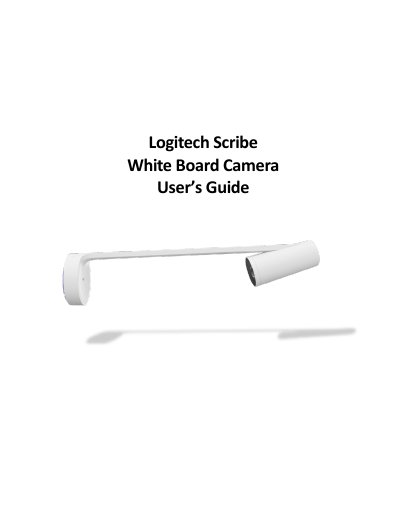
The guide describes the Logitech Scribe White Board Camera, which enhances whiteboard content during Zoom meetings. Key features include automatic color and contrast enhancement of dry‑erase markers, sticky‑note detection, and presenter removal for a clear view of the board.
Quick start steps: begin your Zoom meeting, click the up‑arrow on the “Stop Video” button, select “Logitech Scribe” as the camera, and start your presentation.
It automatically enhances the color and contrast of dry‑erase markers, making text and sketches easier to read.
Start a Zoom meeting, click the up‑arrow on the “Stop Video” button, select the Logitech Scribe camera, and begin your presentation.