
Step‑by‑step guide for installing and configuring Logitech Spotlight software on Windows or Mac laptops.
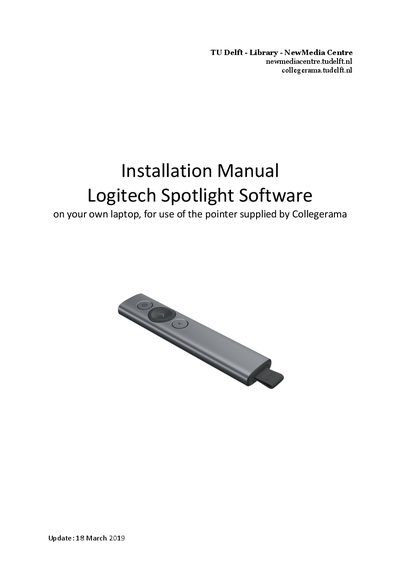
This manual explains how to install the Logitech Spotlight software on a personal laptop and configure the pointer for use with presentations. It covers downloading the installer, running the setup, and basic configuration of the digital laser pointer.
The guide also describes how to adjust pointer settings such as color, size, and speed, and explains the dual‑connectivity options (USB receiver or Bluetooth) that keep the computer awake during presentations.
| Operating range | up to 30 meters |
|---|---|
| Connectivity | USB receiver or low‑energy Bluetooth® |
| Supported OS | Windows or macOS |
Download the installer from Logitech’s website, run it, and follow the on‑screen steps to complete the installation.
Open the pointer settings menu and select the ‘digital laser’ option instead of the default Spotlight mode.
Yes, the digital laser menu lets you change both the color and the size of the laser dot.
The speed of the pointer can be adjusted in the software settings to suit your preference.