
This guide provides instructions for setting up the Logitech M720 Triathlon Mouse via Unifying or Bluetooth, including software requirements and pairing steps.
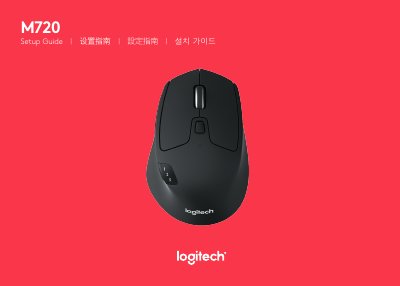
This document serves as a setup guide for the Logitech M720 Triathlon Mouse. It details the product features, such as dual connectivity and easy-switch channels, and outlines the system requirements for connecting the device. The guide covers installation procedures for both the Unifying receiver and Bluetooth Smart connections across various operating systems including Windows, Mac, and Android.
You need a USB port and the Unifying Software. Supported operating systems include Windows 7, 8, 10 or later, Mac OS X 10.10 or later, and Chrome OS.
Your device must support Bluetooth Smart. Supported operating systems include Windows 8 or later, Mac OS X 10.10 or later, and Android 5.0 or later.
Ensure the mouse is on and the receiver is plugged in, then press and hold the toggle button for 3 seconds until the LED blinks fast, and follow the on-screen instructions in the software.