
This guide describes the setup and use of the Z607 speaker system.
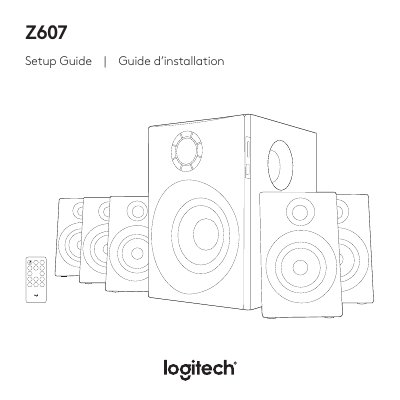
The Logitech Z607 Speaker System Setup Guide gives setup and operation information for the Z607 speaker system. It lists the items in the box: a subwoofer with fixed power cable and FM radio antenna, five satellites, a remote control, cables, and user documentation.
The guide describes connecting satellites to the subwoofer back panel, plugging in the power cord, turning on the system, and setting up the 5.1 system. It also covers speaker placement, controls, local audio sources, FM radio, and channel level adjustments.
| Supported SD card capacity | Up to 32GB SDHC |
|---|---|
| Supported USB drive capacity and format | Up to 32GB USB drives formatted FAT16 or FAT32 |
Connect each satellite to its corresponding plug on the subwoofer back panel, plug in the power cord, and turn on the system from the subwoofer back panel switch.
Place front speakers 30 degrees from the center point and rear speakers 120 degrees from the center point for optimal sound.
The Z607 supports SD card and USB audio sources, with SDHC cards up to 32GB and USB drives formatted FAT16 or FAT32.