
Next-Gen AX3000 Whole Home Mesh Wi-Fi System User Guide AX3000 Whole Home Mesh Wi-Fi System 1910012709 REV1.0.0 Contents About This Guide Appearance Set Up Your Deco Dashboard Overview Wi-Fi Settings Internet Speedtest® Blacklist Online Update Advanced Features WPS Authentication
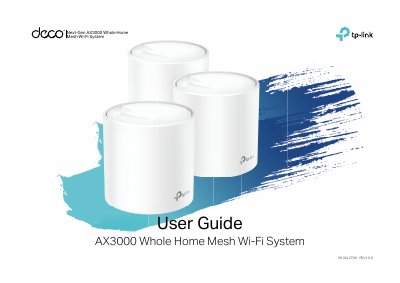
This guide introduces the TP-Link AX3000 Whole Home Mesh Wi-Fi System and the Deco app. It explains the Deco LED status indicators, Ethernet ports, reset button, and power slot, then walks through downloading the app, logging in with a TP-Link ID, connecting to a modem, selecting a location, setting up the internet connection, creating a Wi-Fi network, and adding more Decos.
It also describes the Deco app dashboard and Overview screens, along with Wi-Fi settings, Internet Speedtest, blacklist, online update, advanced features, and WPS. The guide includes regulatory and compliance information for CE, Canada, Korea, and Taiwan.
| Operating frequency (2.4 GHz) | 2412 MHz-2483.5 MHz (20 dBm) |
|---|---|
| Operating frequency (5 GHz) | 5150 MHz-5250 MHz (23 dBm) |
| RF exposure distance | 20 cm |
Press the Reset button for 1 second.
The Deco is registered and all is well.
The Deco has an issue.
Scan the QR code or go to Google Play or the Apple App Store.