
The Deco M9 Plus is a smart home Mesh Wi-Fi system that provides seamless roaming, parental controls, and antivirus protection.
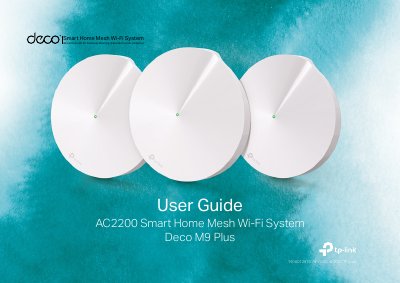
The TP-Link Deco M9 Plus is an AC2200 smart home mesh Wi-Fi system. This user guide explains how to set up a Deco network, add more Deco units, use the Deco app dashboard, and manage connected devices.
It also describes Wi-Fi settings, network optimization, parental controls, antivirus, QoS, monthly reports, managers, advanced features, and authentication, along with regulatory and safety information.
| Ethernet ports | Two RJ-45 Ethernet ports |
|---|---|
| USB port | Reserved |
| HomeCare package | Basic package included for 3 years from activation |
| Radiation exposure distance | Minimum 20 cm |
Press the reset button for 1 second and release; the light changing from pulsing yellow to solid yellow indicates a successful reset.
A green LED means the Deco is registered and all is well.
A red LED means the Deco has an issue.
A basic TP-Link HomeCare package is included for 3 years from date of activation at no additional cost.