
The TP-Link MR12U user manual provides step‑by‑step setup, wireless configuration, and connection guidance for the 3G router.
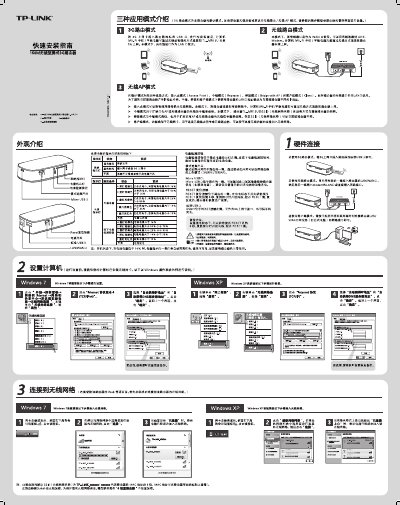
This manual explains how to install and configure the TP‑Link MR12U 3G router. It covers the initial setup wizard, WAN connection types (PPPoE, static IP, dynamic IP), and basic wireless parameters.
The guide also details wireless security options, mode selection (Access Point, Bridge, Repeater, Client), and how to connect a computer to the router via the web interface. Troubleshooting tips and default settings are included. This manual is written in Chinese.
| Default Dial Number | #777 |
|---|---|
| DHCP Server | Disabled by default |
Both the default username and password are "admin".
Open a web browser and enter 192.168.1.1 in the address bar.
Enable wireless security and select WPA‑PSK/WPA2‑PSK AES encryption.
The wizard offers PPPoE, static IP, and dynamic IP as the three most common options.