
The TP-Link TL-R480T+ is a load balancer that supports up to 8 WAN ports and 4 LAN ports. It supports multiple load balancing algorithms, session persistence, virtual servers and port forwarding. It also supports firewall and DoS attack protection.
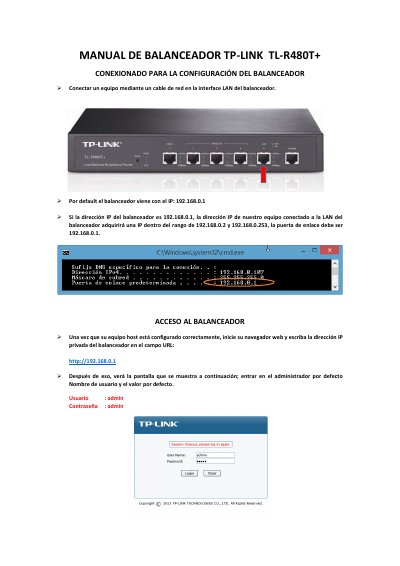
This guide explains how to connect a host to the TP-Link TL-R480T+ load balancer LAN interface, access its web interface at 192.168.0.1, and configure WAN and LAN ports.
It also covers DHCP and DNS settings for the LAN interface, balancing mode configuration, and changing the administrator password from the Maintenance tab. This manual is written in Spanish.
| Default LAN IP address | 192.168.0.1 |
|---|---|
| Default administrator username | admin |
| Default administrator password | admin |
| LAN subnet mask | 255.255.255.0 |
| DHCP start IP address | 192.168.0.3 |
| DHCP end IP address | 192.168.0.5 |
| Default gateway | 192.168.0.1 |
| Primary DNS | 200.48.225.130 |
| Secondary DNS | 200.48.225.146 |
The default IP address is 192.168.0.1.
The default administrator username is admin.
The default administrator password is admin.
The primary DNS server is 200.48.225.130.