
The TP-Link WR850N is a wireless router that has the following features: 1. The wireless network name (SSID) can be changed 2. The wireless channel can be changed 3. The wireless network can be enabled or disabled 4. The wireless network password can be changed 5. Port forwarding and port opening can be done 6. DMZ can be enabled
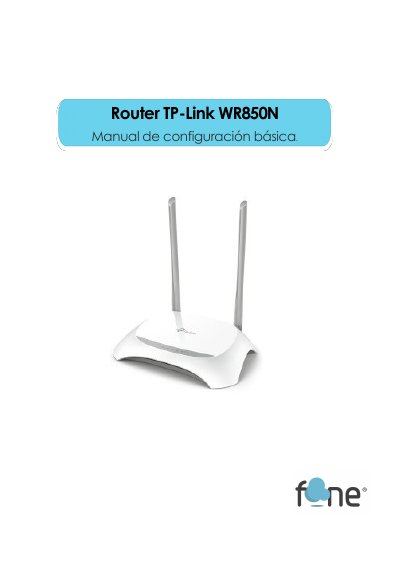
This short Spanish guide explains the basic configuration of the TP-Link WR850N router. It starts with how to reach the web management interface using the address 192.168.0.1 or 192.168.1.1 and the default user name and password, then walks through the Wi-Fi settings: changing the network name (SSID), selecting the channel, turning the wireless radio on or off, and changing the Wi-Fi password before saving.
The last pages cover port redirection through NAT Forwarding > Virtual Servers and enabling a DMZ under NAT Forwarding > DMZ. The document ends with contact details for the technical support department (phone and email) for users who still have questions. This manual is written in Spanish.
| Default management IP address | 192.168.0.1 or 192.168.1.1 |
|---|---|
| Default user name | admin |
| Default password | admin |
| Default Wi-Fi password format | 8 numbers |
Enter 192.168.0.1 or 192.168.1.1 in your browser and log in with the user name admin and password admin.
Go to ADVANCED > WIRELESS > NETWORK NAME (SSID) and change the name there; afterwards all devices must be reconnected to the Wi-Fi network.
The current password is shown in the wireless settings, where by default it is 8 numbers; after changing it, click SAVE and reconnect all devices.
Go to NAT FORWARDING > VIRTUAL SERVERS and use the ADD button to add ports one by one.