
Optoma GB-1000/GB-200/GB-200 Auto Blending System Quick Start Guide
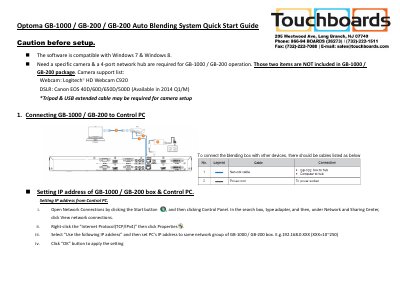
This guide covers caution notes, connecting the blending box to a control PC, setting IP addresses, installing the auto blending software, and using Smart Planner to generate an installation plan.
It also describes projector and camera preparation, camera calibration, fit-to-screen adjustment, and running the automatic blending correction, which takes about five minutes.
| Supported operating systems | Windows 7 and Windows 8 |
|---|---|
| Required software framework | Windows .NET Framework 4.5 |
| Required accessories | Specific camera and 4-port network hub (not included) |
| Supported cameras | Logitech HD Webcam C920; Canon EOS 40D/60D/650D/500D |
| Auto blending processing time | About five minutes |
The software is compatible with Windows 7 and Windows 8.
No, a specific camera and a 4-port network hub are required and are not included.
Windows .NET Framework 4.5 is required to use the auto blending software.
The whole automatic procedure takes about five minutes to complete.