
This user manual provides instructions for the installation, operation, and maintenance of an Optoma 720P DLP projector, including troubleshooting and lamp…
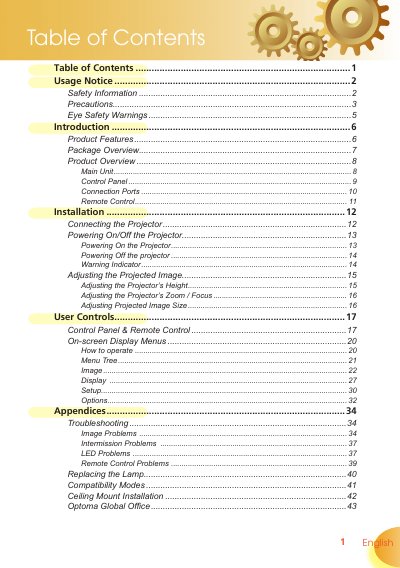
This document serves as the user manual for an Optoma 720P single-chip DLP projector. It covers product features, package contents, and detailed instructions on connecting the projector to various sources such as HDMI, VGA, and S-Video. The guide explains how to power the device on and off, adjust the projected image size and focus, and navigate the on-screen display menus for image and display settings.
| Resolution | 1280 x 720 |
|---|---|
| Technology | DLP |
| Power Cord Length | 1.8m |
| Cooling Time | 90 seconds |
You must allow 90 seconds for the cooling cycle to complete before disconnecting the power cord.
Contact your local reseller or service center to change the lamp as soon as possible.
Yes, but you must ensure the projector has cooled down for at least 30 minutes before changing the lamp.