
This is the user manual for an Optoma DLP projector, covering safety information, operation instructions, menu settings, maintenance procedures, and…
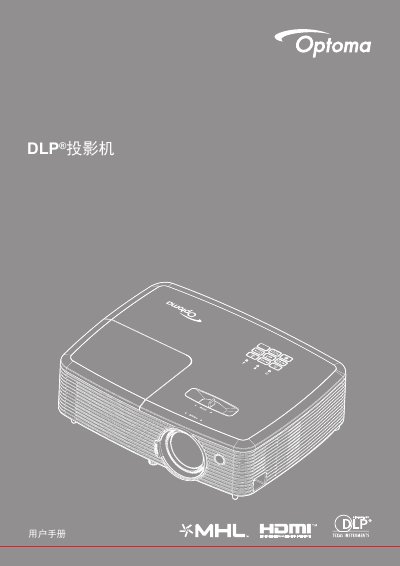
This document serves as a comprehensive guide for operating and maintaining an Optoma DLP projector. It includes detailed sections on safety precautions, such as ventilation requirements and 3D viewing warnings, alongside step-by-step instructions for installation and daily use.
The manual provides extensive coverage of the projector's menu system, allowing users to adjust image settings, audio inputs, network configurations, and maintenance schedules like bulb replacement and filter cleaning. It also lists compatible resolutions and physical dimensions. This manual is written in Chinese.
You must keep at least 20 cm of space between the 'Entry' and 'Exit' tags.
The projector requires a cooling time of 90 seconds before you can unplug the power cord.
The ideal viewing distance should be at least three times the height of the screen.