
Optoma DLP Projector User Manual

This is the user manual for Optoma DLP projectors, covering safety, setup, operation, menu navigation, and troubleshooting.
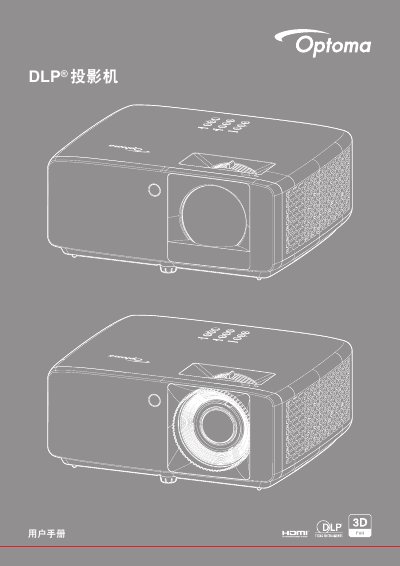

Optoma DLP Projector User Manual - cover page
Brand
Optoma
Category
Projector
Document type
User Manual
Language
Chinese
Pages
73
File format
PDF
File size
15.9 MB
Published
31 October, 2026
Updated
31 October, 2026
MD5 checksum
19D7E3D7F773F611756E9D4E599DAC31

About this manual

This document serves as the user manual for Optoma DLP projectors. It provides comprehensive instructions on safety precautions, laser safety information, and regulatory compliance statements such as FCC and WEEE. The guide details the contents of the packaging and standard accessories included with the device. This manual is written in Chinese.

What's inside

  • Safety
  • Laser Safety Information
  • Cleaning the Lens
  • Introduction
  • Product Overview
  • Connections
  • Using the Projector
  • Menu Navigation
  • Troubleshooting
  • Specifications

Frequently asked questions

What is the required space around the projector's air vents when used in an enclosed area?

You must leave at least 30 cm of space around the air intake and exhaust vents.

How long must the projector cool down before unplugging the power cord?

The projector requires 90 seconds of cooling time before you unplug the power cord.

What is the maximum relative humidity allowed for operating the projector?

The maximum relative humidity for operation is 80%.

Download PDF (15.9 MB)

More Optoma Manuals


View all Optoma manuals →