
This is the Chinese user manual for Optoma projectors, covering safety, installation, operation, settings, maintenance, and troubleshooting.
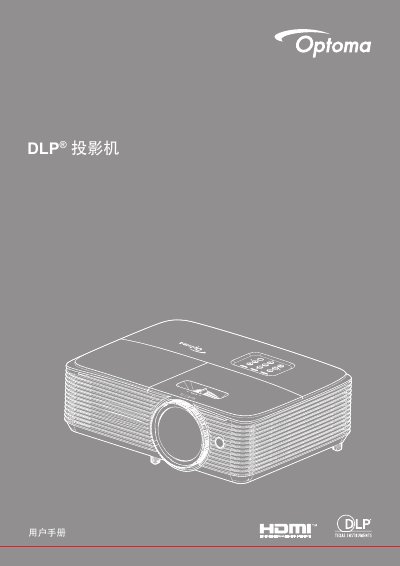
This document serves as the user manual for Optoma projectors, providing comprehensive instructions for installation, operation, and maintenance. It includes detailed sections on safety precautions, connecting input sources, adjusting the projected image, and navigating the on-screen display (OSD) menus for various settings such as picture, audio, and network configurations.
The manual also covers essential maintenance procedures, including how to replace the lamp and clean the air filters. Additionally, it provides a troubleshooting guide for common issues, warning indicator meanings, and technical specifications regarding compatible resolutions and image dimensions. This manual is written in Chinese.