
Optoma Projector User Manual

This is the Chinese user manual for Optoma projectors, covering safety, installation, operation, remote control usage, and troubleshooting.
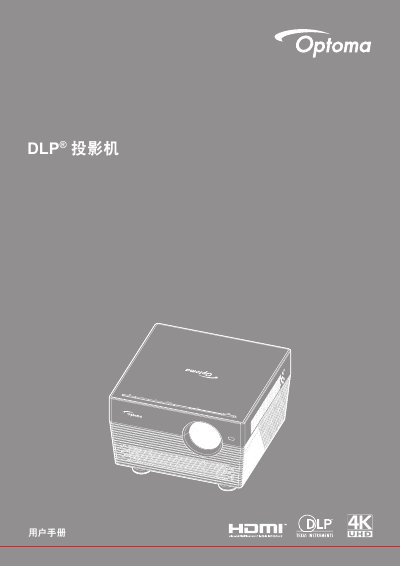

Optoma Projector User Manual - cover page
Brand
Optoma
Category
Projector
Document type
User Manual
Language
Chinese
Pages
73
File format
PDF
File size
15 MB
Published
15 October, 2026
Updated
15 October, 2026
MD5 checksum
A8FF9966369F8C8F31CF9EB3586CA69D

About this manual

This document serves as the user guide for Optoma projectors. It provides essential safety information, including warnings regarding ventilation, temperature, and 3D viewing. The manual details the contents of the packaging, product overview, and various connection methods. This manual is written in Chinese.

What's inside

  • Safety Information
  • Product Overview
  • Connections
  • Keyboard
  • Remote Control
  • Installation
  • Using the Projector
  • Troubleshooting
  • Specifications

Frequently asked questions

How long must the projector cool down before unplugging the power cord?

The projector requires 90 seconds of cooling time before you unplug the power cord.

What is the minimum gap required between the ceiling and the bottom of the projector?

You must leave at least 10cm of space between the ceiling and the bottom of the projector.

What screw specifications are required if using a third-party mounting kit?

The screws used to fix the projector to the mount must be M4*4 type with a minimum length of 10mm.

Download PDF (15 MB)

More Optoma Manuals


View all Optoma manuals →