
Optoma Projector User Manual

This is the user manual for an Optoma projector, covering safety information, installation instructions, operation guides, maintenance procedures, and…
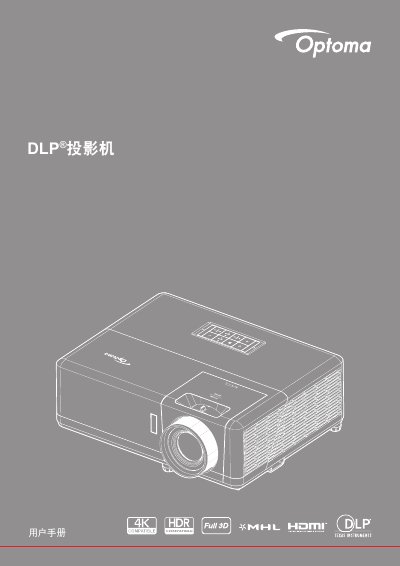

Optoma Projector User Manual - cover page
Brand
Optoma
Document type
User Manual
Language
Chinese
Pages
70
File format
PDF
File size
8.5 MB
Published
26 October, 2026
Updated
26 October, 2026
MD5 checksum
F0CA903D14EC33DB3D6D45CC90FA93CB

About this manual

This document serves as a comprehensive guide for users of Optoma projectors. It provides essential safety warnings regarding laser radiation, ventilation requirements, and environmental conditions to ensure safe operation. The manual details the setup process, including connecting various input sources like HDMI and VGA, adjusting image settings via the OSD menu, and configuring network connections. This manual is written in Chinese.

What's inside

  • Safety Information
  • Product Overview
  • Connections
  • Using the Projector
  • Menu Navigation
  • Maintenance
  • Troubleshooting
  • Specifications

Frequently asked questions

How long must the projector cool down before unplugging the power cord?

The projector requires 90 seconds of cooling time after you turn it off.

What is the minimum space required around the air vents when using the projector in an enclosed area?

You must leave at least 30 cm of space around the air intake and exhaust vents.

What are the specific screw specifications required if using a third-party mounting kit?

The screws must be type M4*10 with a minimum length of 10mm.

Download PDF (8.5 MB)

More Optoma Manuals


View all Optoma manuals →