
User manual for Optoma DLP projector covering safety, setup, usage, and technical specs.
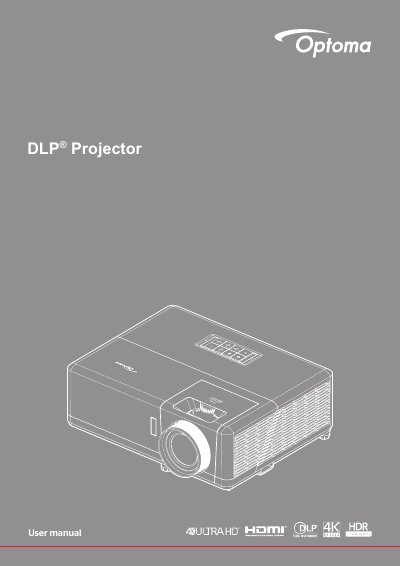
This manual provides safety instructions, setup guidance, and operating procedures for the Optoma DLP projector. It includes sections on installation, connecting sources, adjusting the image, and using the remote control. Additional information covers compatible resolutions, projection distance, and troubleshooting. Safety warnings address laser radiation, lens cleaning, and 3D viewing risks.
The manual also details projector specifications and includes FCC, EU conformity, and WEEE compliance information. It advises users to avoid blocking ventilation, exposure to moisture, and direct eye contact with the projector beam during operation.
| Compatible Resolutions | Not specified in the text |
|---|---|
| Image Size and Projection Distance | Not specified in the text |
| Projector Dimensions | Not specified in the text |
Allow 90 seconds for the projector to cool down before disconnecting power.
Turn off and unplug the projector, let it cool, use compressed air to remove dust, and gently wipe with a special cloth. Do not use solvents or touch the lens with fingers.