
Optoma Projector User Manual

This user manual provides instructions for the installation, operation, maintenance, and troubleshooting of an Optoma projector.
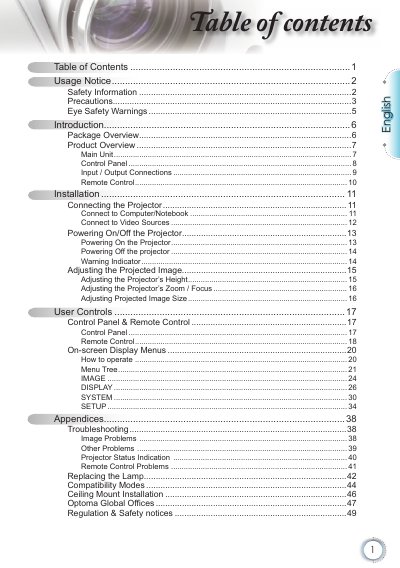

Optoma Projector User Manual - cover page
Brand
Optoma
Category
Projector
Document type
User Manual
Language
English
Pages
50
File format
PDF
File size
20 MB
Published
01 November, 2026
Updated
01 November, 2026
MD5 checksum
1106BAF65827C071B207804D7A62383A

About this manual

This document serves as the official user guide for an Optoma projector. It covers safety precautions, package contents, and a detailed overview of the main unit, including the control panel and input/output connections. The guide explains how to connect the projector to various sources like computers and video devices, and how to power it on and off correctly.

What's inside

  • Safety Information
  • Package Overview
  • Product Overview
  • Input / Output Connections
  • Remote Control
  • Installation
  • On-screen Display Menus
  • Troubleshooting
  • Replacing the Lamp
  • Ceiling Mount Installation

Frequently asked questions

How long must I wait for the projector to cool down before unplugging it?

You must allow 90 seconds for the projector to complete its cooling cycle before disconnecting power.

What is the required ambient room temperature range for operating the projector?

The ambient room temperature must be between 5°C and 35°C.

What is the maximum allowed relative humidity when using the projector?

The relative humidity must not exceed 80% and must be non-condensing.

Download PDF (20 MB)

More Optoma Manuals


View all Optoma manuals →