
The Optoma DLP projector user manual provides setup, operation, safety, troubleshooting, and specifications for end users.
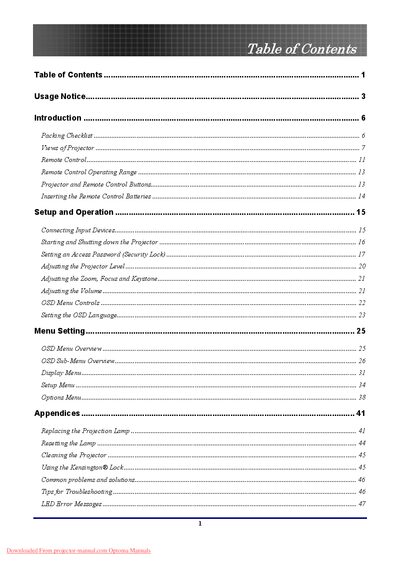
This manual guides users through unpacking, connecting, and operating the Optoma DLP projector. It covers safety notices, remote‑control functions, menu navigation, and basic adjustments such as zoom, focus, keystone, and volume.
Additional sections detail lamp replacement, cleaning, security lock usage, troubleshooting tips, and a full specifications list including projection distances, supported resolutions, dimensions, and regulatory compliance information.
| Native resolution (XGA) | 1024 × 768 |
|---|---|
| Projector dimensions (W × H × D) | 220 mm × 178 mm × 71 mm |
First unplug the power cord and let the lamp cool for about one hour before removing it.
Unplug the power cord, allow the lamp to cool for about one hour, then follow the cleaning instructions.
Use the zoom and focus controls on the top of the projector as described in the Adjusting the Zoom, Focus and Keystone section.