
This manual introduces the usage of Bluetooth controller, including how to switch between the main mode and from mode, how to install the battery and how to use Bluetooth controller to control the stage characters in the mBlock software and robot.
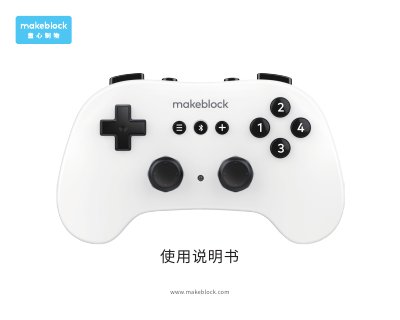
This user manual provides instructions for using the Makeblock Bluetooth Controller to connect with compatible robots such as mBot, mBot Ranger, Cheng Xiaoben, and Airblock. It covers essential setup steps including battery installation, Bluetooth pairing with the adapter, and switching between main and sub modes for different control scenarios. This manual is written in Chinese.
It is compatible with Makeblock robots with Bluetooth modules, such as mBot, mBot Ranger, Cheng Xiaoben, and Airblock.
Press and hold the button on the controller until the indicator light flashes red, then release the button.
A red constant light indicates that the battery power is low and needs to be replaced.