
Makeblock mBot Troubleshooting and Setup Guide

A troubleshooting guide for the Makeblock mBot robot, covering Bluetooth connection issues, 2.4G module usage, line tracking, obstacle avoidance, motor…
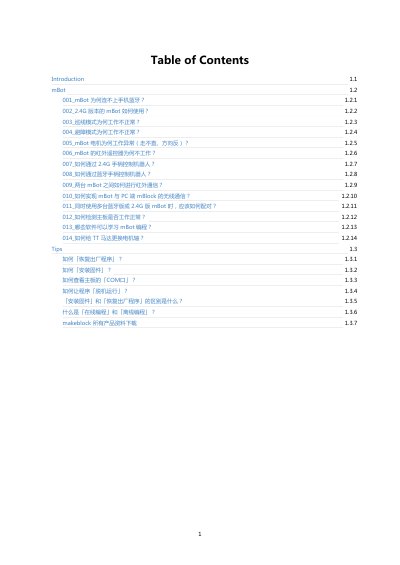

Makeblock mBot Troubleshooting and Setup Guide - cover page
Brand
Makeblock
Category
Robot
Document type
User Manual
Language
Chinese
Pages
55
File format
PDF
File size
7.4 MB
Published
04 November, 2026
Updated
04 November, 2026
MD5 checksum
15C916DA564C29E79C23F551751CBC9D

About this manual

This document serves as a troubleshooting and setup guide for the Makeblock mBot robot. It addresses common issues such as failed Bluetooth connections, malfunctioning line tracking and obstacle avoidance modes, and motor irregularities. The guide also explains how to use the 2.4G wireless module and infrared remote control. This manual is written in Chinese.

What's inside

  • Bluetooth Connection Troubleshooting
  • 2.4G Module Usage
  • Line Tracking Mode Issues
  • Obstacle Avoidance Mode Issues
  • Motor Abnormalities
  • Infrared Remote Control
  • Firmware Installation
  • Online vs Offline Programming

Frequently asked questions

What causes the mBot to fail to connect via Bluetooth?

The mBot may fail to connect if it is the non-Bluetooth 2.4G version, the battery is too low, a program was previously uploaded, or the Bluetooth module is damaged.

How can I verify if the mBot's battery is too low?

If the battery is too low, the blue LED on the main board will flash rapidly after power is applied.

Which port should the line-following module be connected to for the factory default mode?

For the factory default line-following mode, the module must be connected to port 2 on the main board.

Which port should the ultrasonic sensor be connected to for the factory default obstacle avoidance mode?

For the factory default obstacle avoidance mode, the ultrasonic module must be connected to port 3 on the main board.

Download PDF (7.4 MB)

More Makeblock Manuals


View all Makeblock manuals →