
This user manual explains the components, setup, charging, and programming of the Makeblock MCR-K01-01 educational robot.
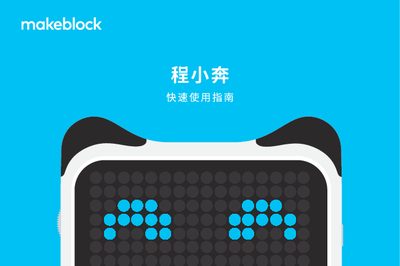
The Makeblock MCR-K01-01 (程小奔) is a programmable educational robot that includes a chassis, controller, color‑recognition cards, Micro USB cable and accessories. It works together with the 小程 controller to form the complete system.
To get started, power on the robot by pressing the power button; the indicator light will turn on. Charge the controller via the Micro USB cable or a power adapter, then connect it to a computer or mobile device. Use the Makeblock app or the mBlock 5 (慧编程) software to program the robot by dragging block commands and uploading them via Bluetooth. This manual is written in Chinese.
| Product name | 程小奔可编程教育机器人 |
|---|---|
| Model number | MCR-K01-01 |
| Manufacturer | 深圳市创客工场科技有限公司 |
| Recommended age | 6岁以上 |
| Charging method | Micro USB data cable |
Press the power button; the power indicator light will illuminate.
Connect the controller to a computer or power adapter with a Micro USB data cable; the charging indicator will show the status.
You can use the Makeblock app or the mBlock 5 (慧编程) app on a phone, tablet, or computer.
Enable Bluetooth on the phone or tablet, open the app, and the robot will automatically connect when nearby.